
For players
How to collect an idol
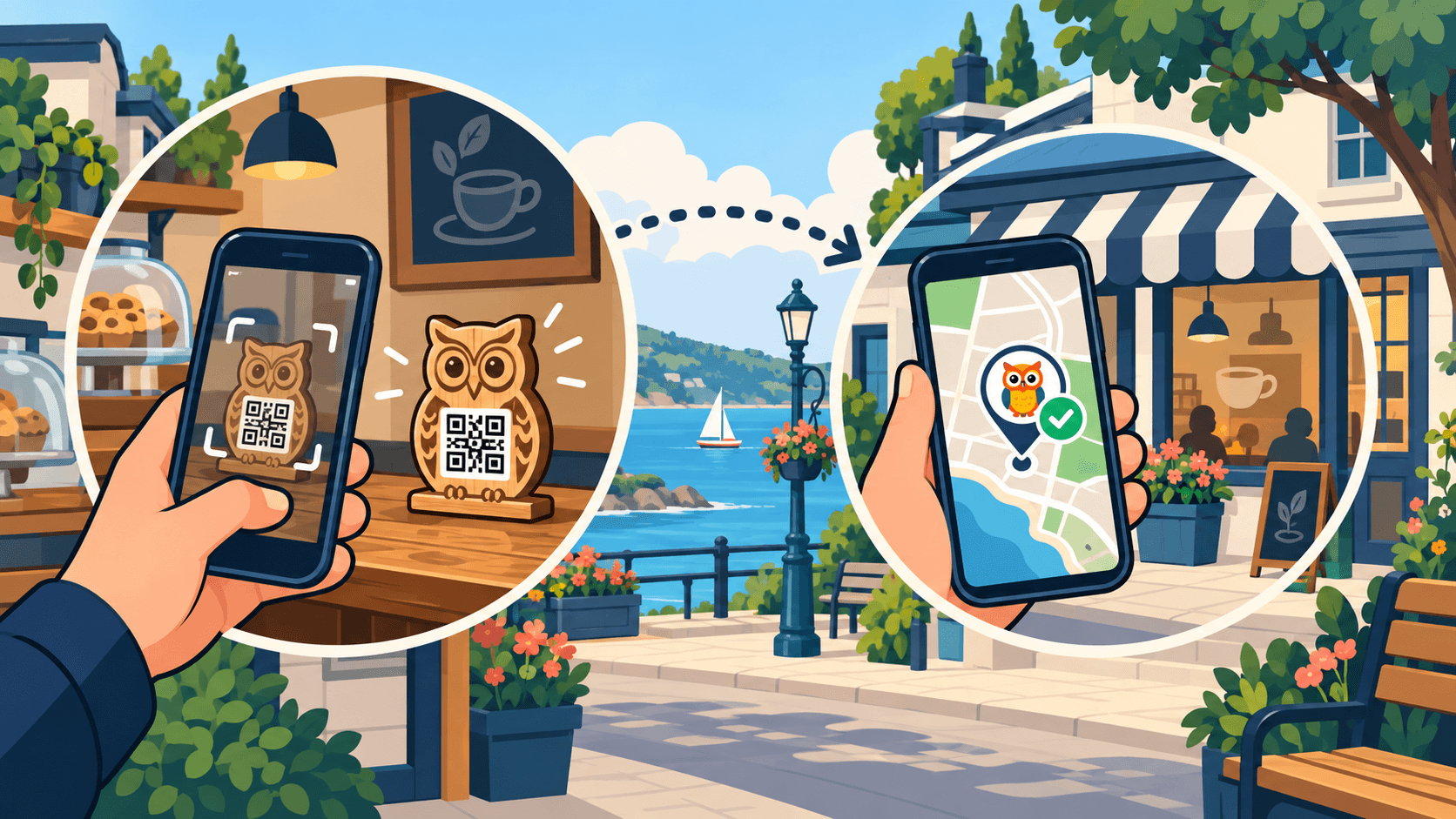
Find a wooden idol and scan its QR code, or visit a digital idol’s location and check in. Here’s how to collect both.
Find the Idol team · 4 min read
Before you head out
The Find the Idol game runs in your phone’s browser. Playing is free, and there’s no app to download. You’ll need an internet connection and a free account to save your finds. Account holders must be at least 18; adults can play alongside children using their own account.
Open a game from the Find the Idol home page, check its dates, and use the game map or idol list to choose a stop. Open the idol’s page for its location and collection instructions. Visit while the game is running, and check the business’s opening hours if you need to go inside.
Collect a physical idol
A physical idol is a wooden idol at a participating location, usually inside a business. You collect it by scanning its QR code in person.
Visit the location and find the idol
Follow the game map and any instructions on the idol’s page. Look for the wooden idol inside the business. If you can’t spot it, ask a staff member for help.
Scan the QR code
Point your phone’s camera at the QR code on the idol, then tap the link that appears. You can also tap “Scan QR Code on Idol” on the idol’s page and allow camera access.
Follow the prompts on your phone
Log in or create a free account if asked. If this idol also requires a location check, allow it while you’re at the stop. Keep the page open until you see the collection confirmation.
Enjoy your new collectible
The idol is saved to your account. Leave the wooden idol where you found it so the next player can collect it too.
Collect a digital idol
A digital idol has no wooden object to find. Visit its location and use your phone to check in. For a standard business stop, you can check in from outside when you’re close enough.
Go to the idol’s location
Use the game map to reach the stop, then open the idol’s page. Check the instructions and the collection distance shown there.
Tap “Collect Idol”
Log in or create your free account if prompted. When your browser asks for your location, allow access so the game can check that you’re close enough.
Wait for the confirmation
The game takes a one-time GPS reading for this collection attempt. If you’re within the required distance, the idol is saved to your collection. You don’t need to find or scan a physical object.
Too far away? The alert asks you to get closer and shows your distance only when you are less than 100 feet away. Move closer safely, then tap “Collect Idol” again for a fresh check. Follow the instructions on the idol’s page if your custom game uses a different setup.
What happens after you collect?
Both types add an idol to your personal collection and award that idol’s configured game points for your first collection. You can see your saved finds in My Collection. Collecting the same idol again in the same game doesn’t add more points or issue another business reward.
Some idols also reveal an optional reward provided by the business. If one appears, read its claim instructions and expiration time. Rewards aren’t included with every idol.
Having trouble collecting?
The camera won’t scan
Keep the whole QR code in view, hold your phone steady, and try better lighting or a slightly different distance. If the in-game scanner can’t access your camera, allow camera access in your browser settings or try your phone’s camera app.
Location access is blocked
Enable location services on your phone and allow location access for your browser and the Find the Idol site. Return to the idol’s page and try again.
You’re there, but GPS won’t confirm
Move to a safe spot with a clearer view of the sky and retry. If the page offers photo proof after a GPS problem, follow those instructions. Submitting proof doesn’t collect the idol immediately; it must be approved first.
The idol hasn’t appeared in your collection
Check that you saw a successful collection message and that you’re using the same account. Refresh My Collection. If it still hasn’t appeared, contact us with the game name, idol name, and any error message.
Ready for your first find?
Choose a game, pick a stop, and start your collection.
Find a gameStill need help? Email us.